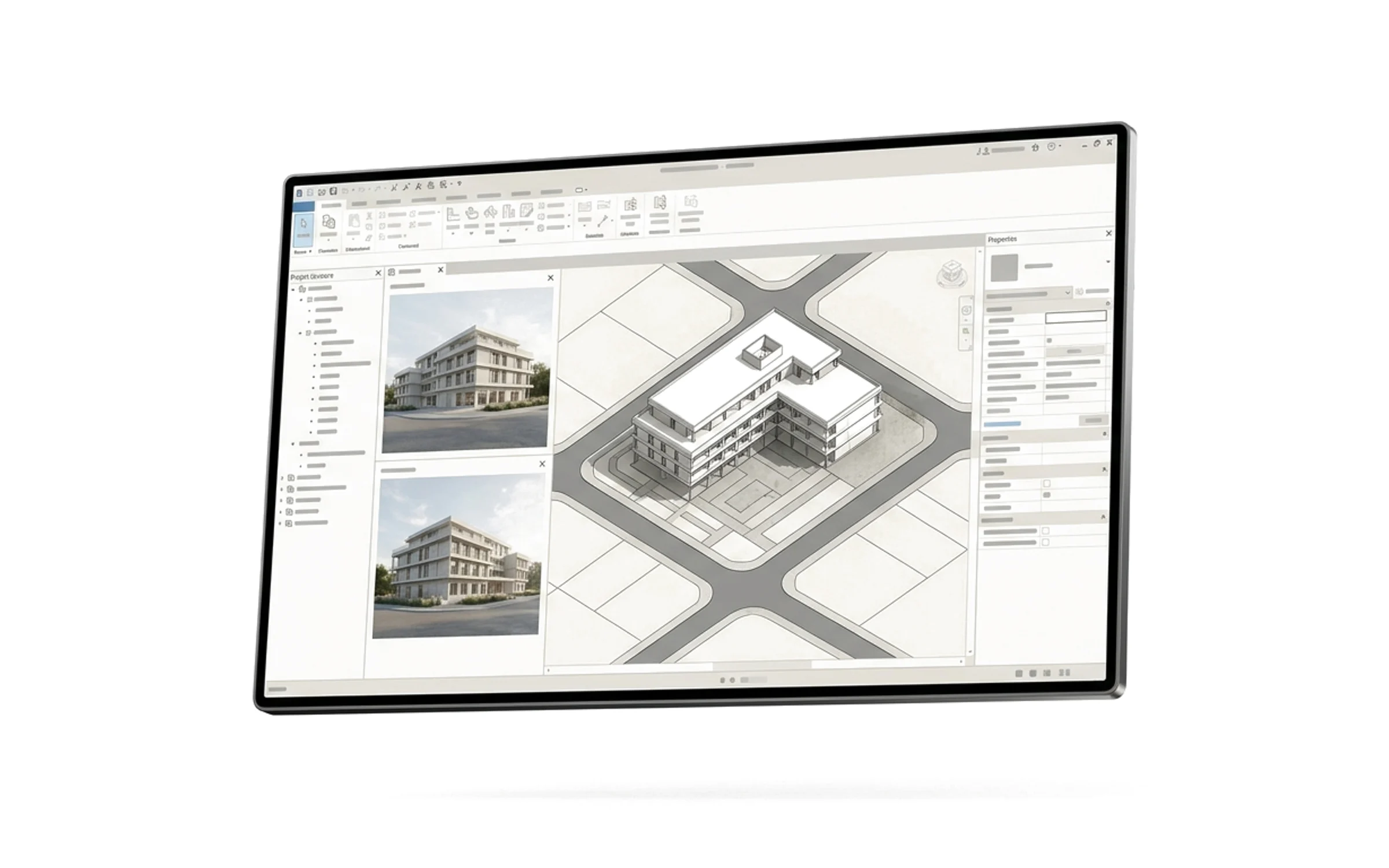
From brief to BIM,
in one model
Site, program, massing, BIM and presentation in one AI workspace. AI does the heavy lifting. You stay in control.
How it worksFrom prompt to proposal
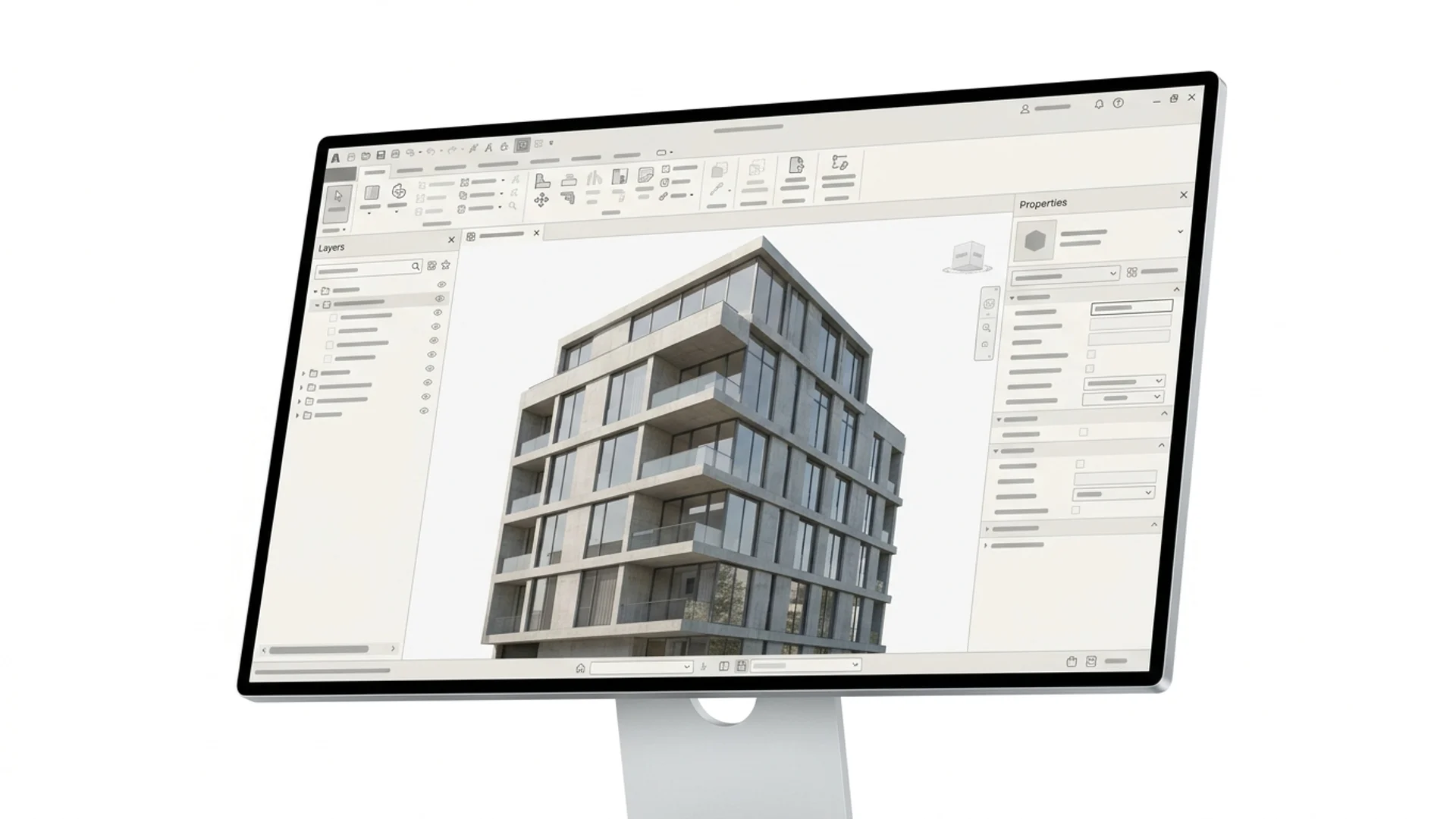
Describe your project
Upload a brief, describe the building and pin your site.
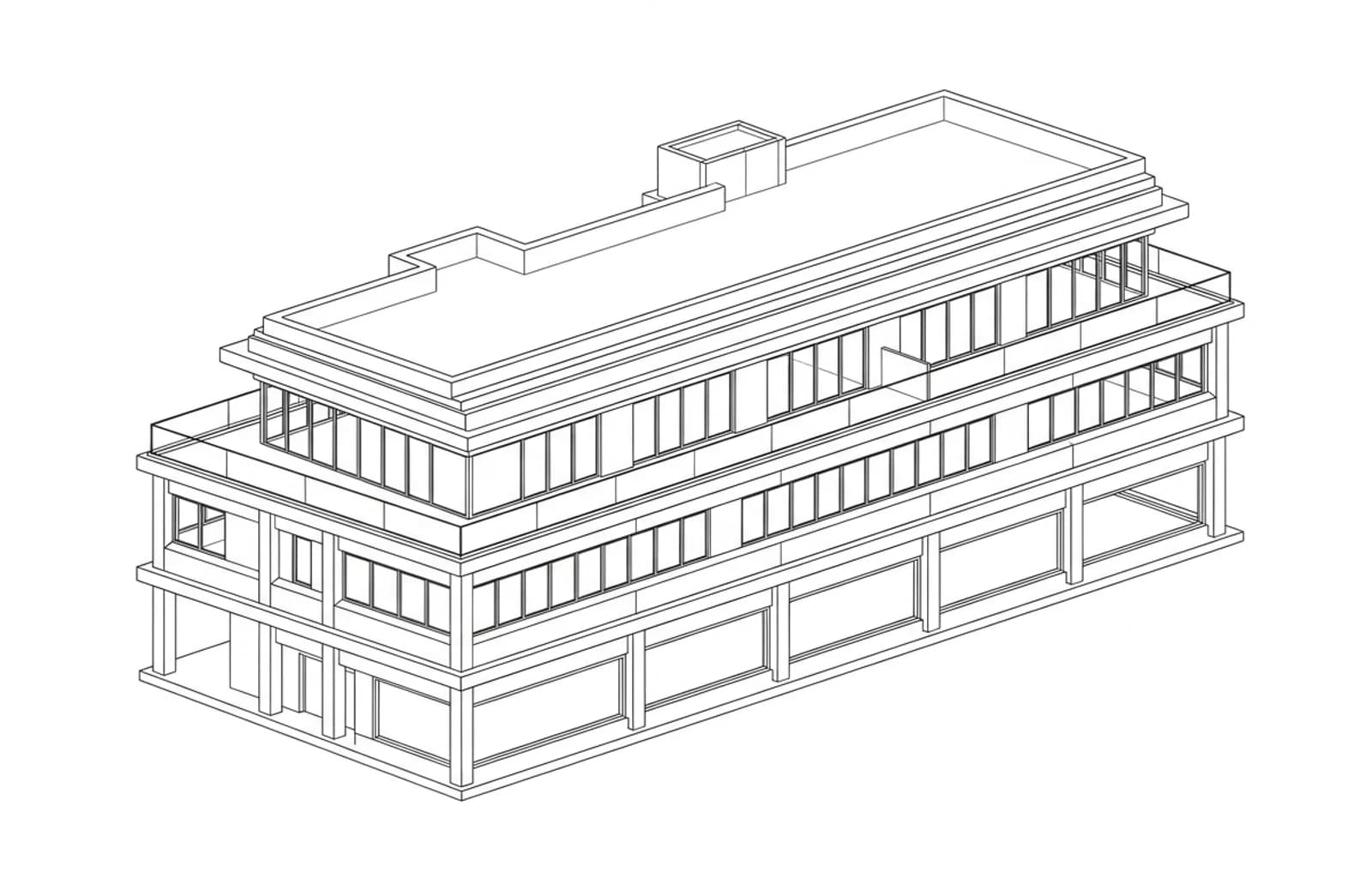
Generate & refine
AI drafts the model. You refine it by hand in the editor.
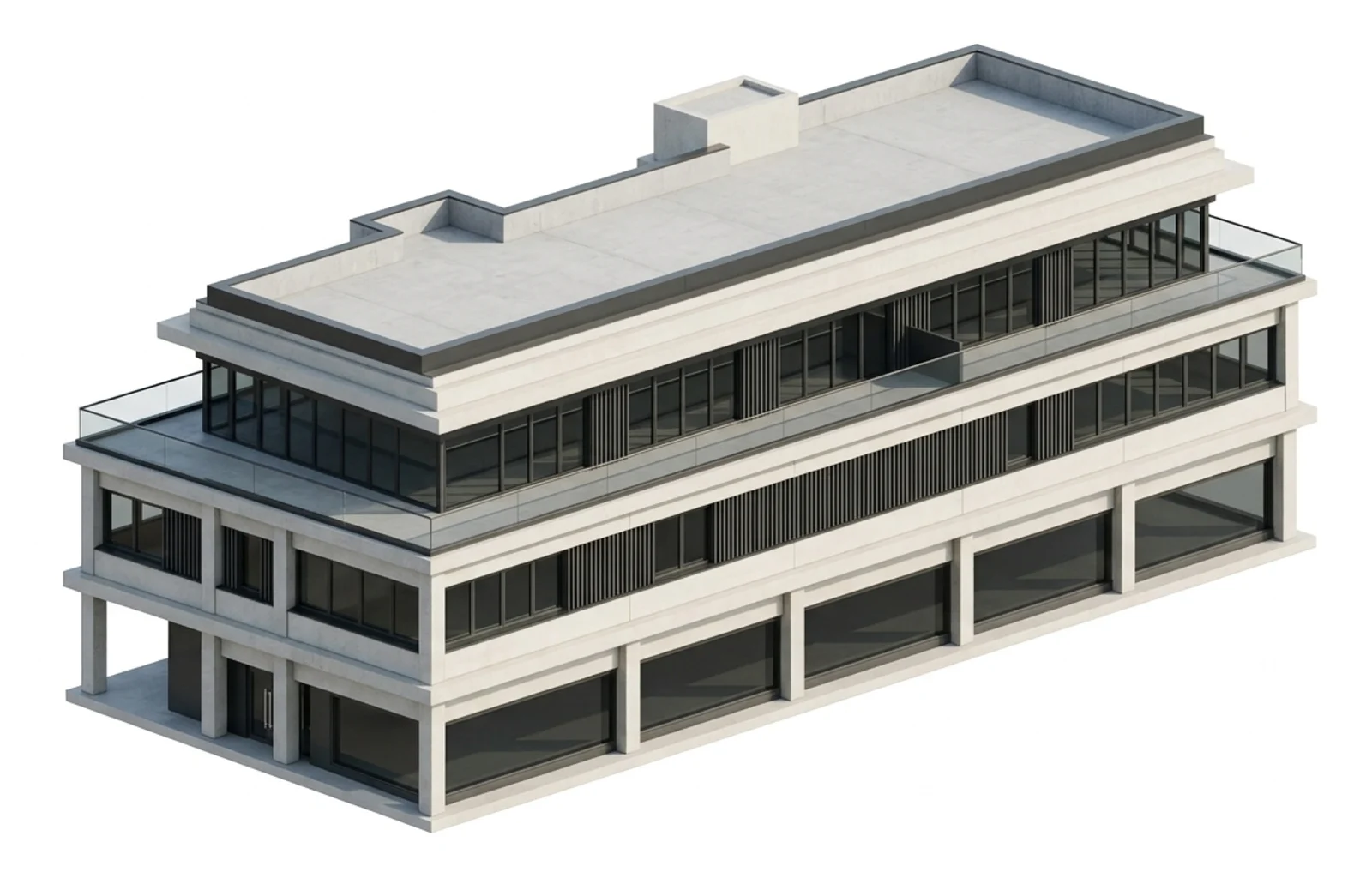
Present or export
Present in the browser or export IFC to Revit and Rhino.
Built forArchitects and AI, together
 Agent
AgentI'll model a residential building for you.
- Reading your site
- Writing the program
- Placing rooms and floors
- Rendering the views
Lead with AI
Ask, research, model or render. AI helps where it counts and steps aside when you take over.
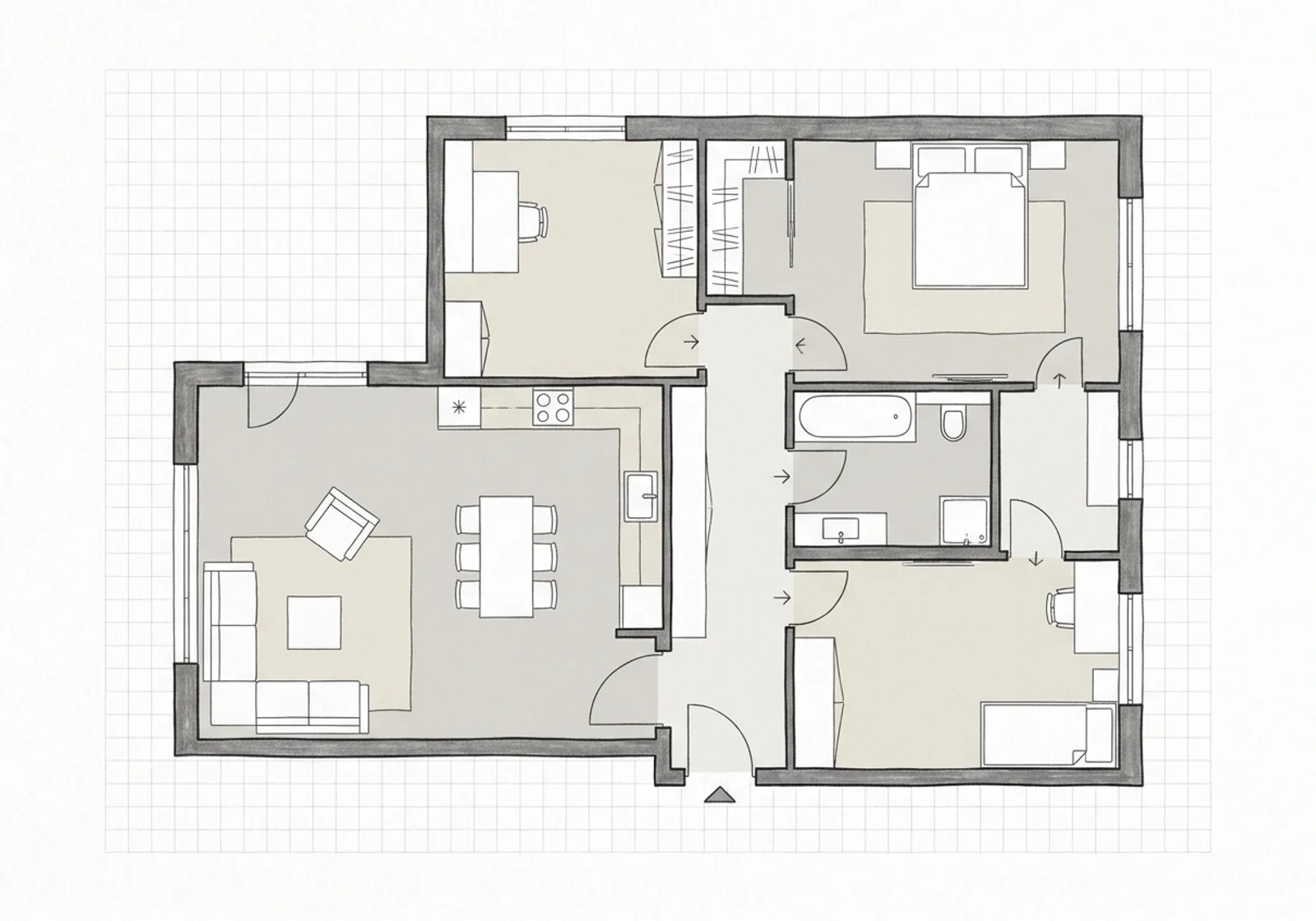
Refine with precision
Tools made for editing programs, plans, BIM models and boards.
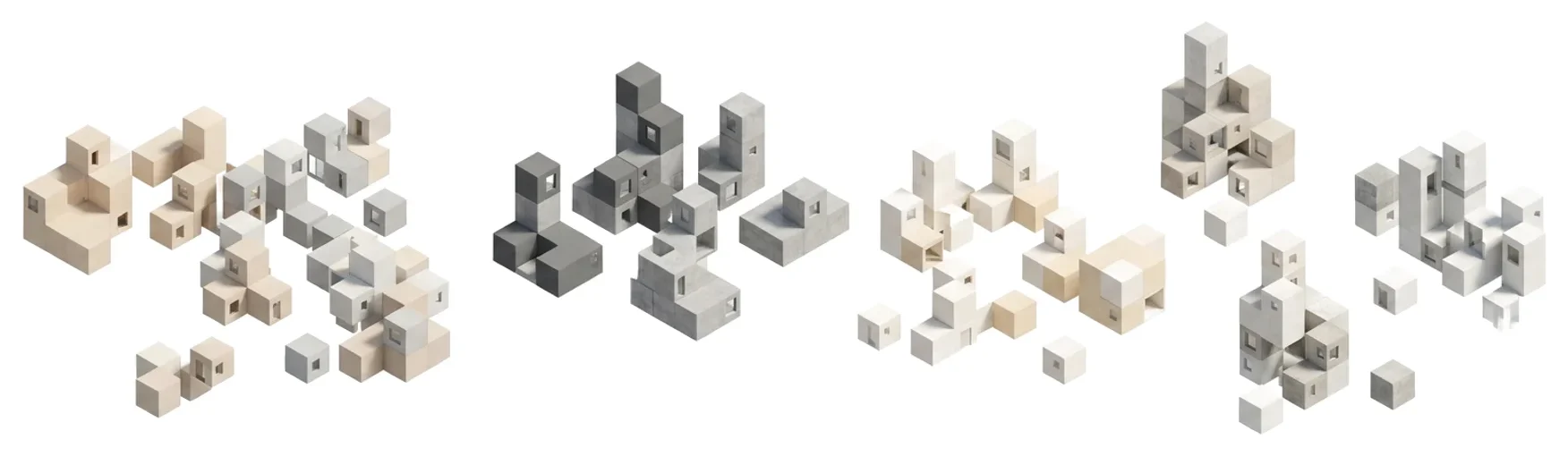
Write your programLinked live to your model
| Space | m² each | Count |
|---|---|---|
| Classroom | 100 | 6 |
| Group room | 60 | 2 |
| Resource room | 80 | 1 |
| Staff lounge | 60 | 1 |
- Generate a full program from a prompt, a brief or a site.
- Edit it as a spreadsheet and the 3D model follows.
- Check codes, zoning and site limits as you go.
Design with intelligenceDown to the last m²
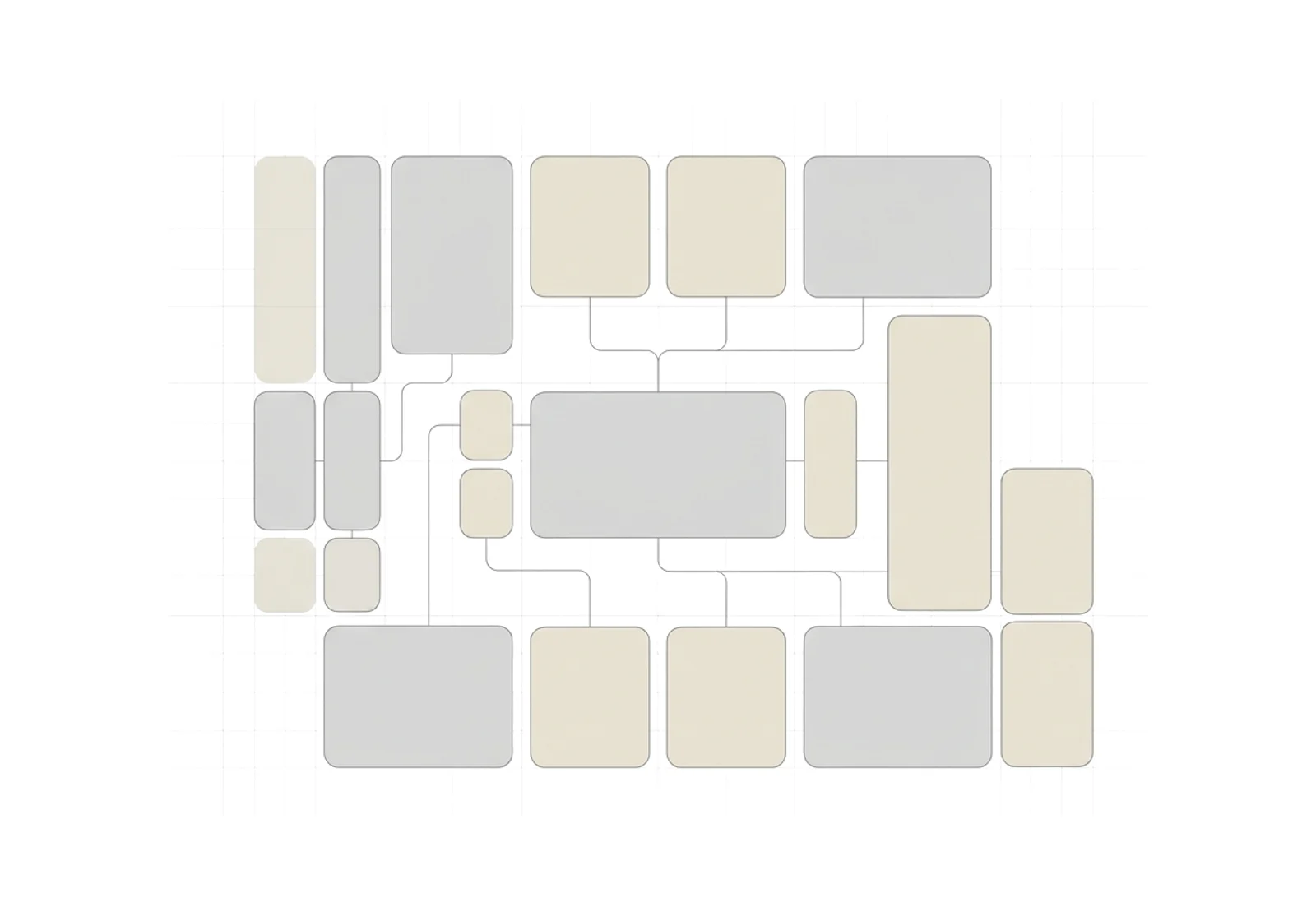
Adjacencies
One-click adjacencies from codes and your program.
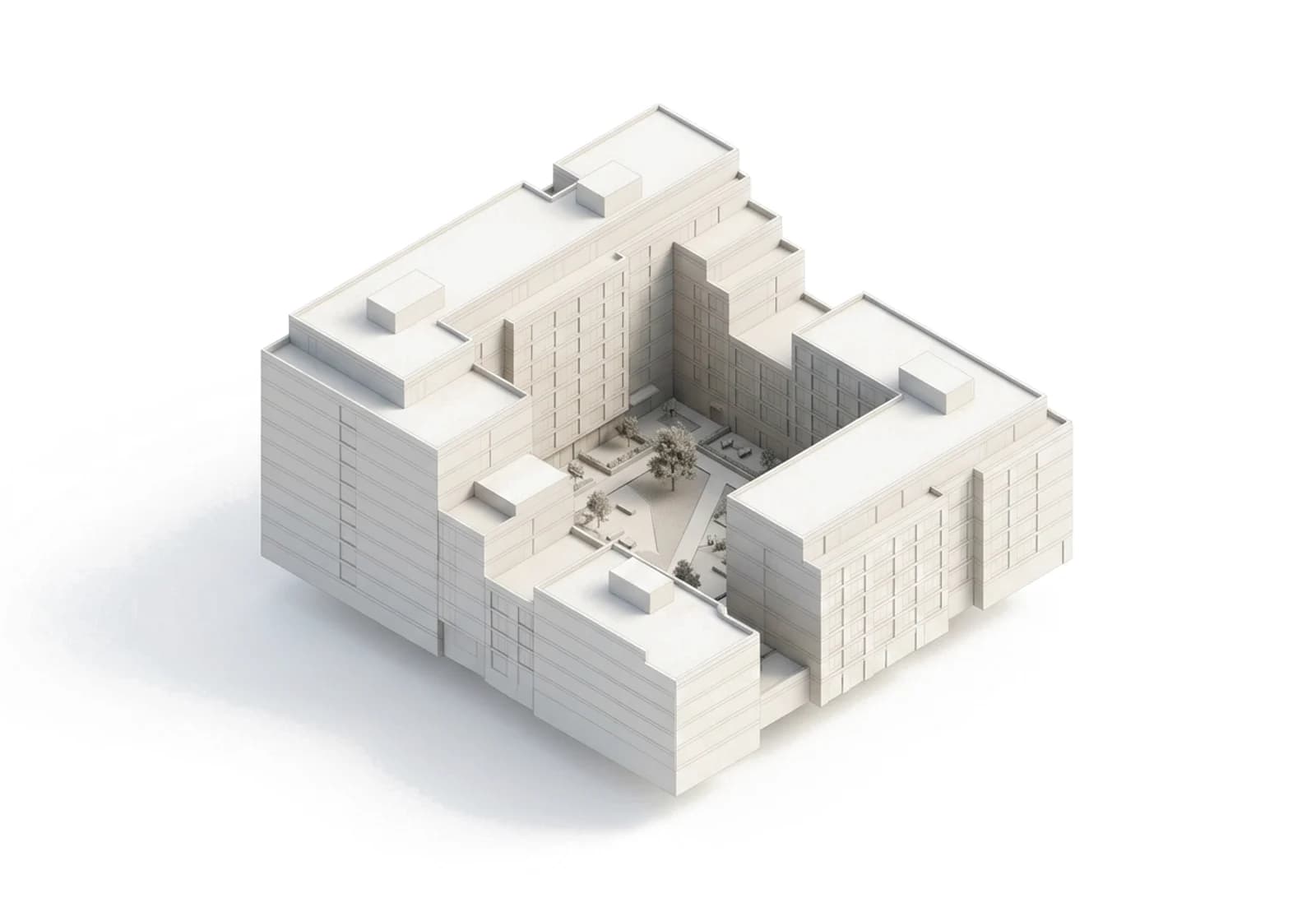
2D and 3D
Model in plan or in 3D. Every change updates the program.
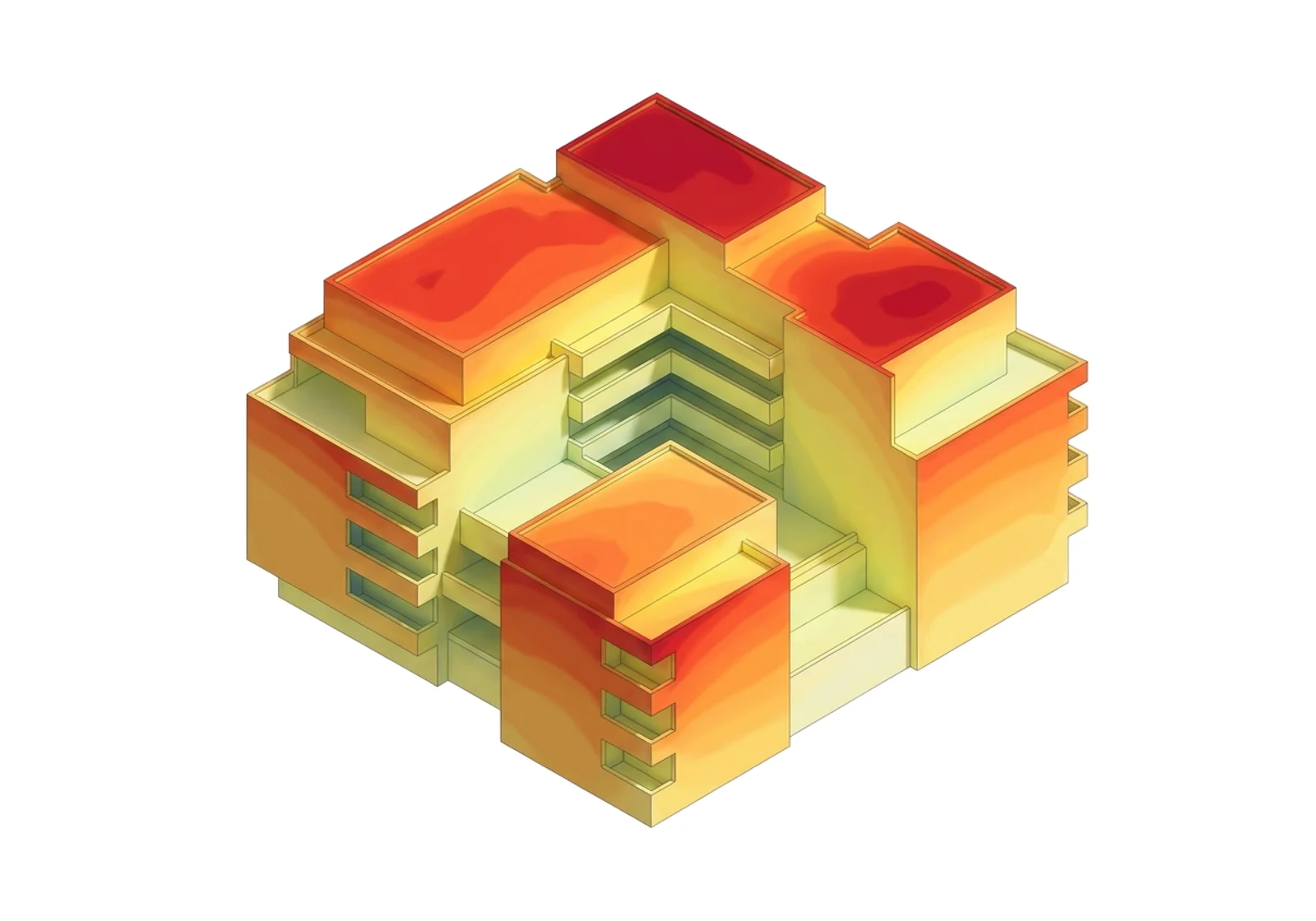
Analysis
Live checks on daylight and area while you plan.
One clickMass to BIM
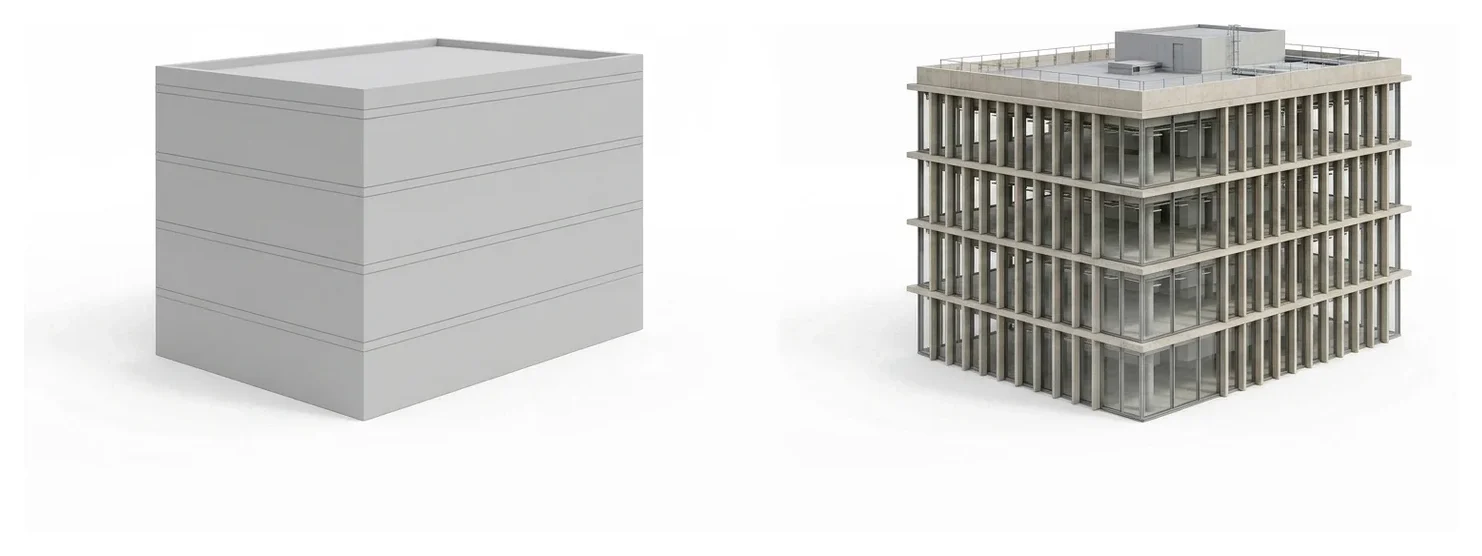
Mass to BIM
Turn massing into walls, slabs and roofs in one click.

Furniture & elements
Use the built-in library or bring your own objects.
Revit & Rhino export
Clean files with materials and parameters intact.
Present your proposalWith your whole team
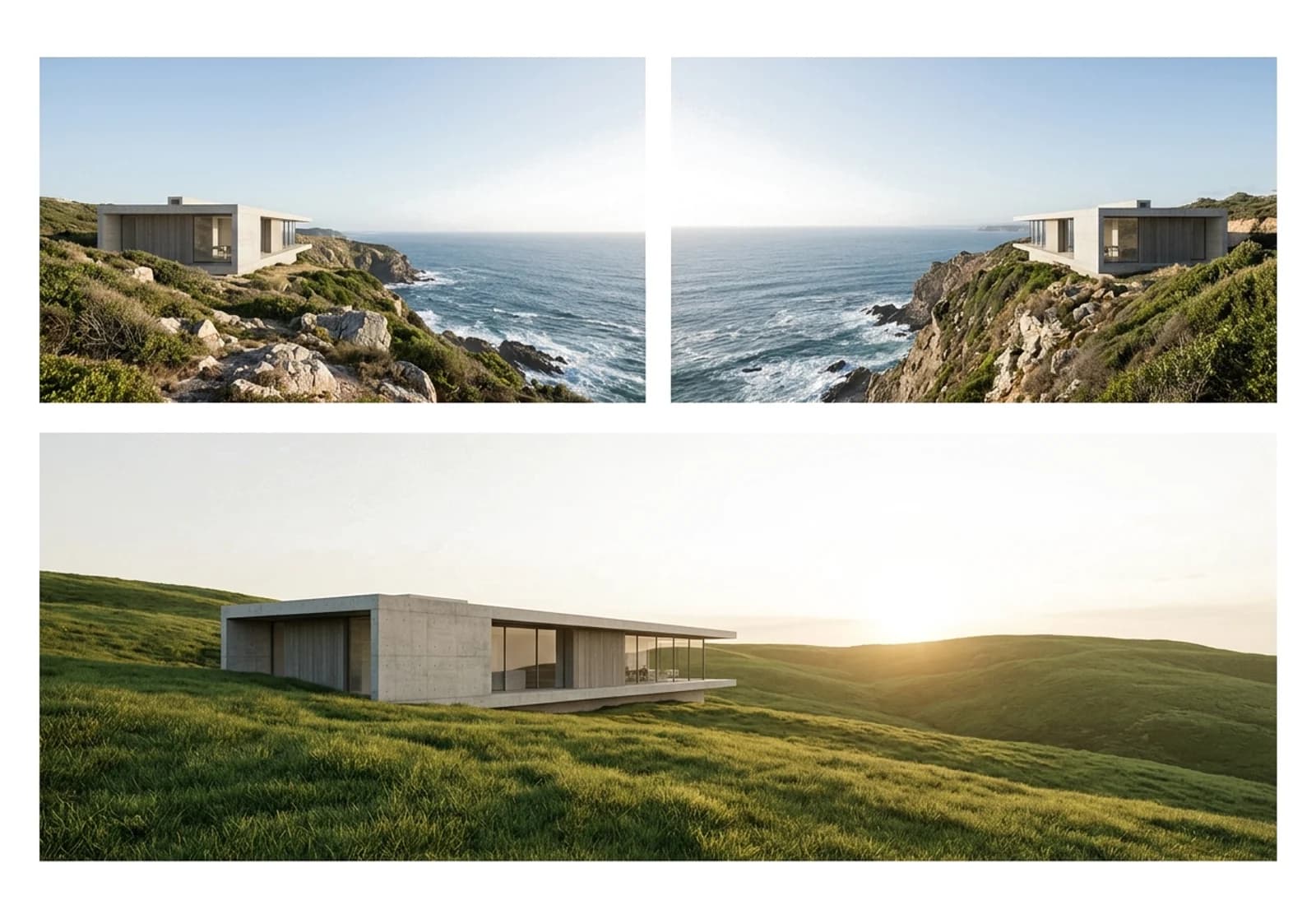
Sheet 1
Drop plans, 3D views, renders and analysis onto a sheet.
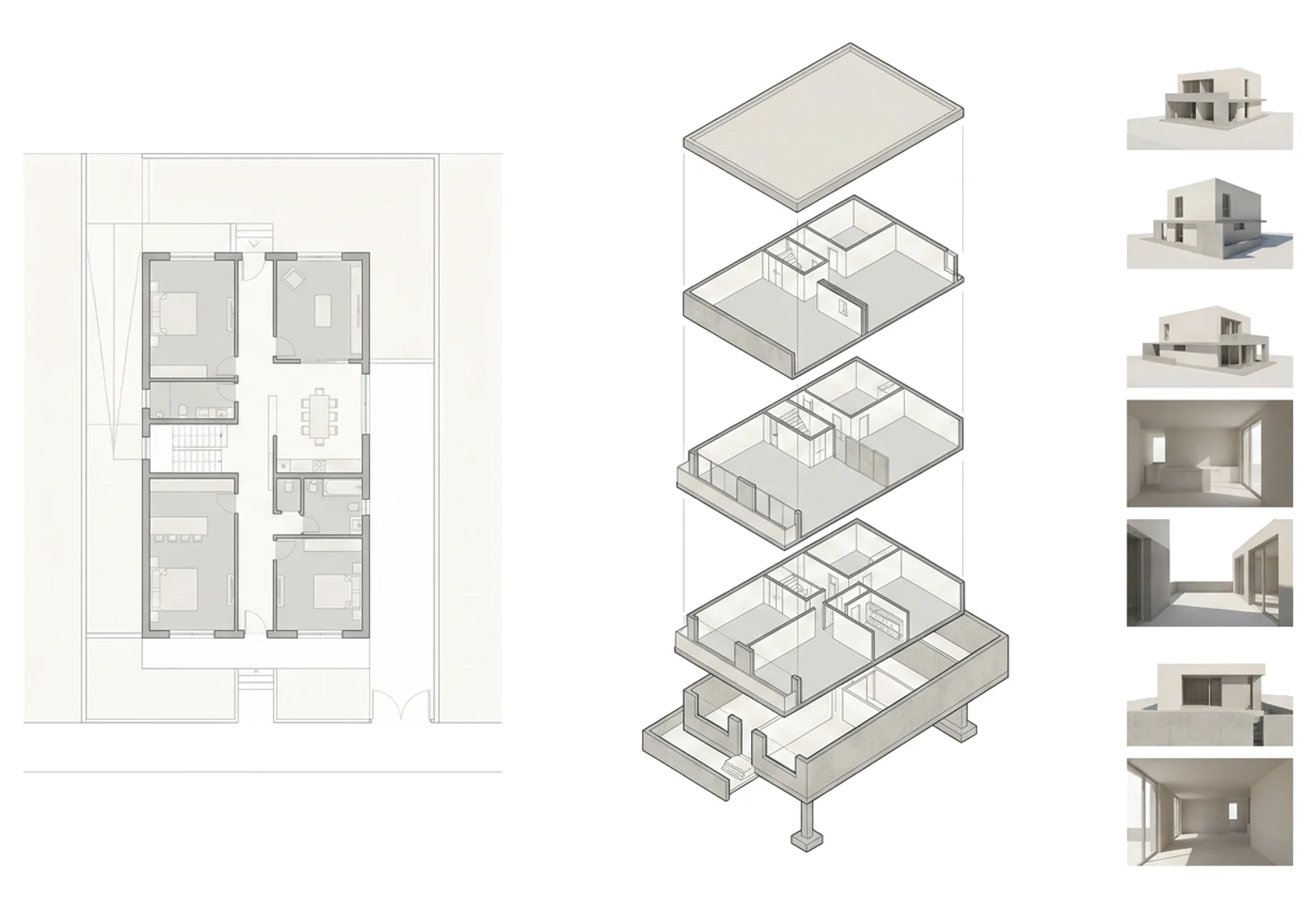
Sheet 2
Work with teammates, consultants and clients in one place.
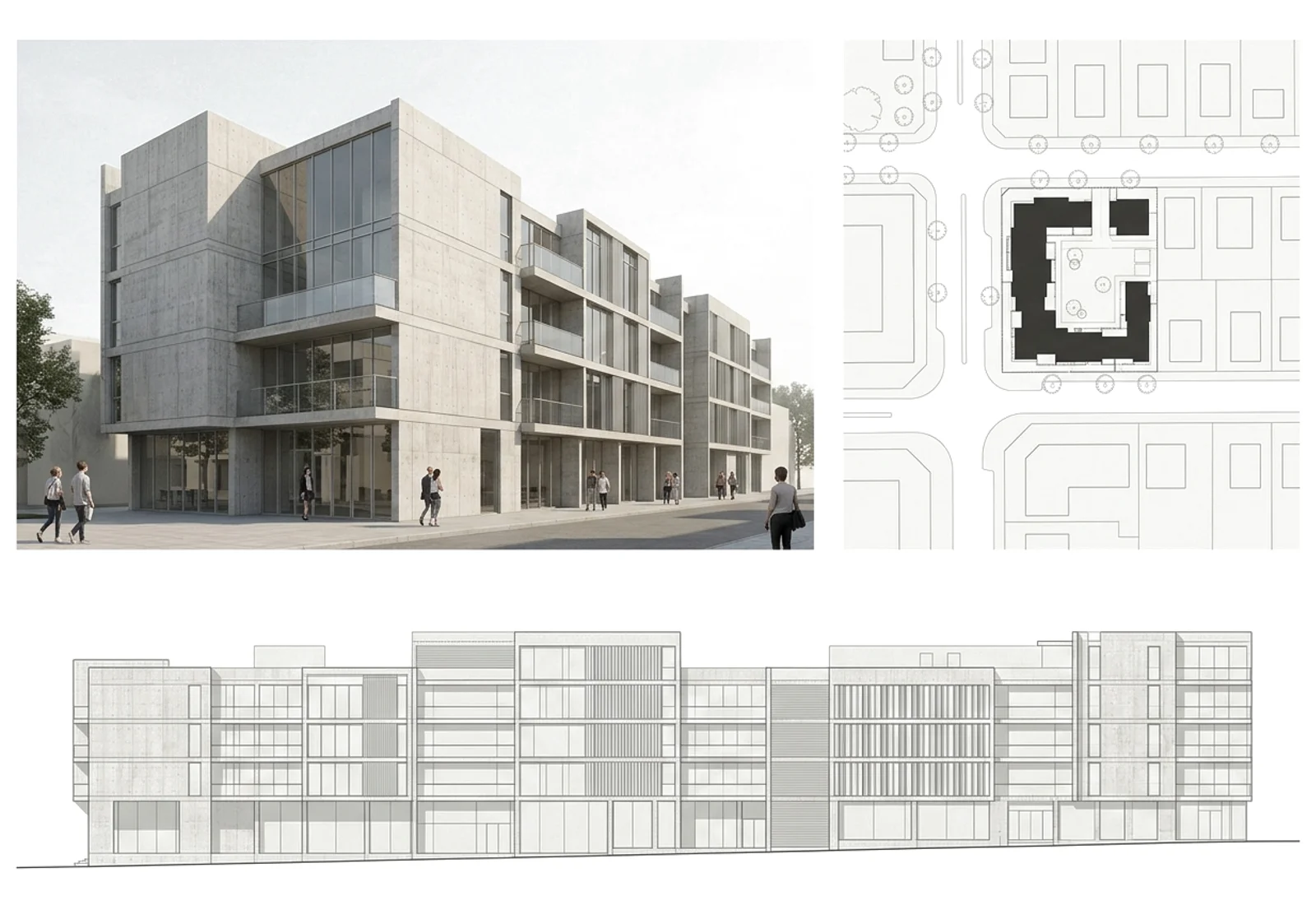
Sheet 3
Render any view of the building.
Your dataStays yours
Try for freePrivate by default
Your projects are visible only to your team.
Encrypted
Every connection runs over TLS.
Open format
IFC in, IFC out. Your model is never locked in.
Frequently askedQuestions
How does the program stay linked to the model?+−
The program table and the 3D model share one source, so a change in either updates both.
How is it different from other concept tools?+−
It pairs AI with real building logic, so you start from an editable BIM model, not a picture.
Can I import and export?+−
Yes. Export IFC for Revit, ArchiCAD and Rhino, with materials and parameters kept.
Can I use my firm's own object types?+−
Yes. Upload your standard objects and they stay editable after export.